Getting Started
Installation
Follow these steps to install Best Free Keylogger on your computer.
- Run the installation setup (
installer_free.exeorinstaller_trial.exe).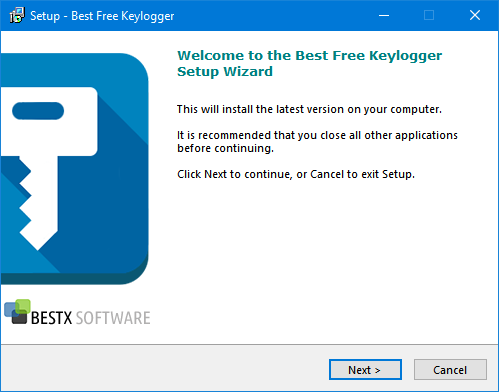
Best Free Keylogger setup wizard - Read and understand the End User License Agreement. Installation requires you to accept the agreement — proceed only if you do.
- Select the package you need to install.
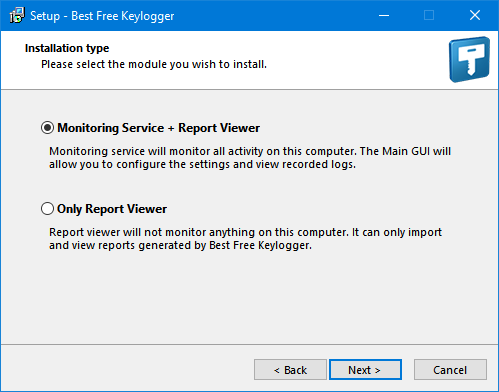
Choosing the installation package - Select the destination to install Best Free Keylogger.
Note: It is recommended that you use the default location
C:\Program Files\Best Free Keylogger. - Add the Best Free Keylogger folder to the list of exceptions/exclusions on your antivirus software.
- Click Install and wait for the installation to finish.
Note: The setup automatically downloads and installs the latest version of the software, so you need to be connected to the internet for the installation to succeed.
- Click Finish to close the setup wizard.
- You will see the Unhide Instructions message box once the installation is successful. Use the default hotkey Ctrl+Alt+Shift+K to run Best Free Keylogger for the first time.
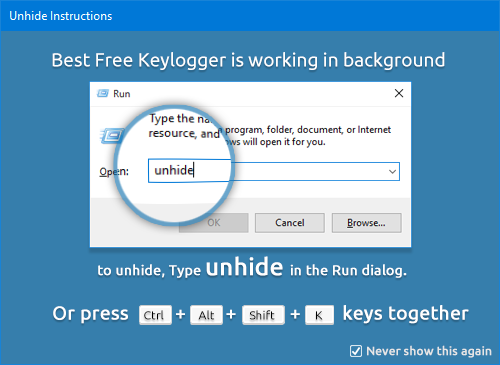
Unhide instructions message box - When Best Free Keylogger is run for the first time, you are required to set up a password to log in. Click Save after entering a secure password you can remember.
.png)
Setting the login password