
EN
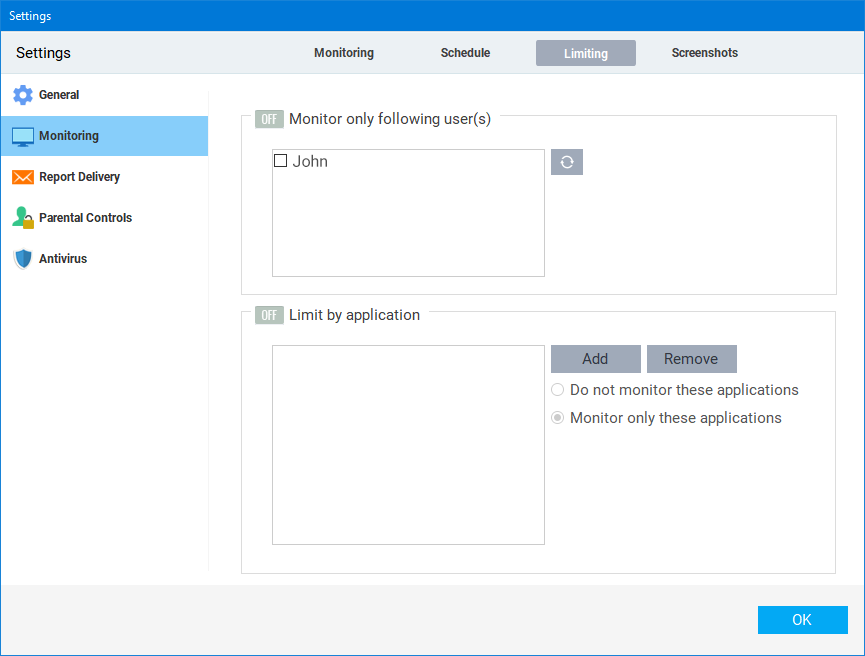
Limit monitoring by User
In order to configure Best Free Keylogger to monitor only specific users, enable Monitor only following user(s) and select the user(s). By default, this setting is switched off, and all users are monitored.
Limit monitoring by application
By default, Best Free Keylogger monitors activities on all running applications. It is possible to limit monitoring to a specific set of applications or to exclude a set of applications being monitored. Click Add to browse and include the app in the list to configure limiting by application.